
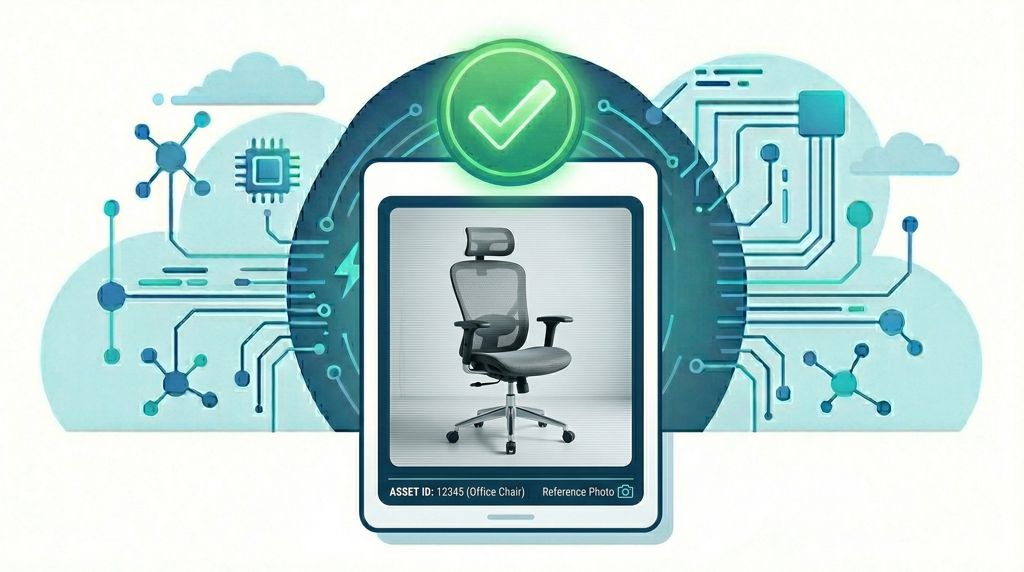
You’re in a large warehouse. The list says “Dell Monitor 24″ — code 10042”. There are three monitors on that shelf. Which one is it?
Until now, the answer was: open the portal on your laptop, search the code, look it up. Or guess. Or call someone.
Starting today, the answer is right there on your terminal.
📷 The Big Picture: Visual Verification on the Go
The latest Popis.si update introduces Asset Photos across the entire platform — a full end-to-end feature spanning the Popis.si Portal (where administrators manage images) and the Popis Mobile Terminal (where auditors view them in the field).
Administrators can now upload catalog-quality reference photos to assets in the portal. Those photos appear instantly on the terminal the moment an auditor needs them. No more guessing between similar-looking items. No more phone calls to the office.
🖥️ On the Portal: Full Image Management
In the Popis.si Portal, every asset’s detail page now includes a dedicated Asset Photos section. Administrators and editors can:
- Upload one or more photos per asset with a single click — just pick a file, and it’s done.
- Replace a specific photo without touching the others (the terminal updates automatically).
- Delete individual photos, or clear all photos for an asset in one action.
- Reorder photos by dragging thumbnails — the order is respected on the terminal.
All image actions are fully audited: every upload, replacement, and deletion is recorded in the audit log, so you always know who changed what and when.
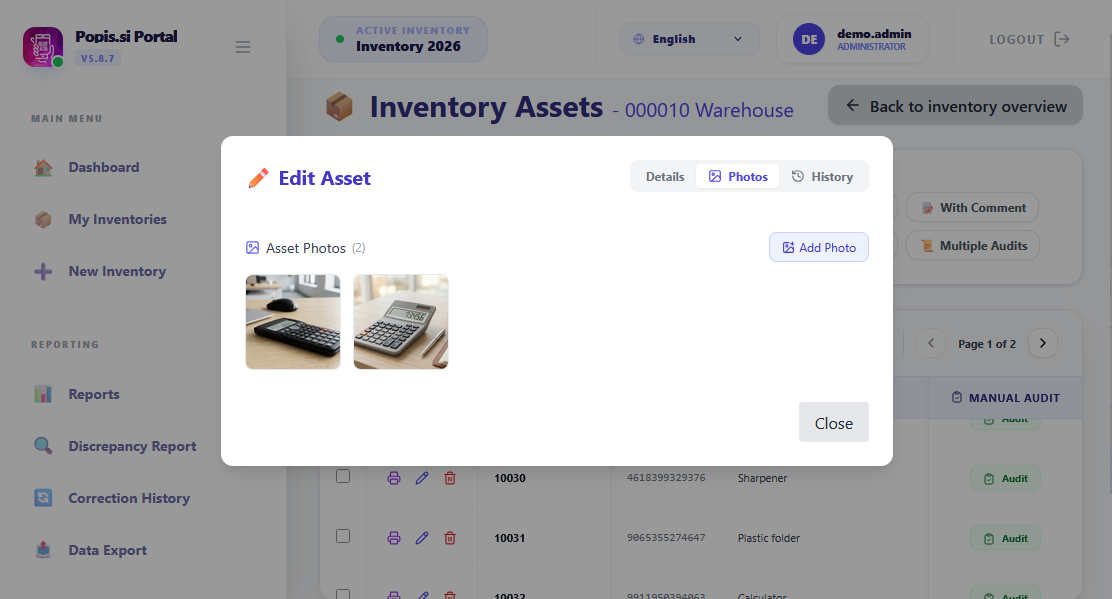
Each organisation’s photos are stored privately — one organisation can never see another’s data.
📱 On the Terminal: See It, Scan It, Done
For auditors in the field, the experience is seamlessly simple:
- Scan or search for an asset as you always have.
- Tap “Asset Photo” — a button that appears only when the asset has an image attached.
- The photo opens in a smooth bottom sheet — no app switching, no complex navigation.
- If there are multiple angles, scroll down to see them all.
- Close it and keep scanning.
The whole interaction takes about two seconds — and never breaks your scanning rhythm.
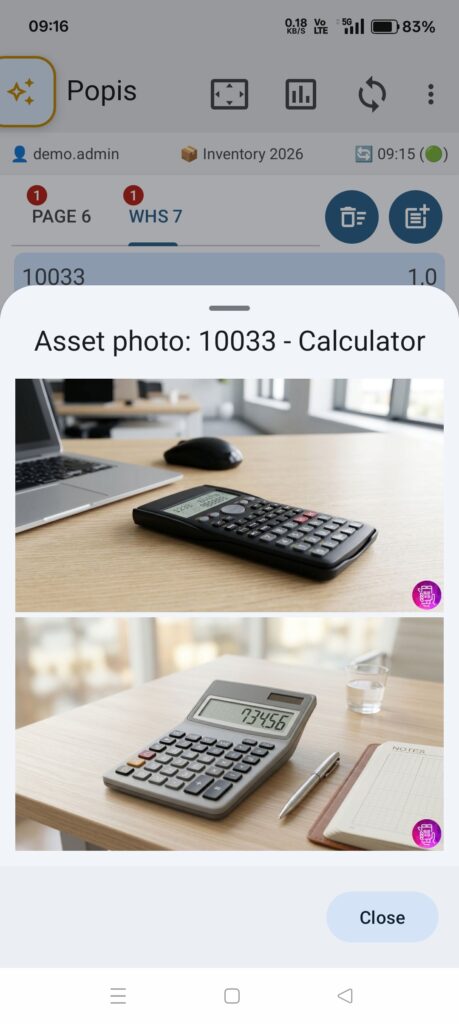
Multiple Photos, Multiple Angles
One photo of a server rack isn’t always enough. Sometimes you need the front panel and the serial number plate and a close-up of the model label.
Popis.si supports multiple photos per asset. When an asset has more than one image, the button shows a count badge before you even tap it:
“Asset Photo (3)”
🔗 Works Regardless of Your IT Setup
Whether your organisation uses the Popis Cloud, a shared network drive, or local files to manage inventory data — Asset Photos work exactly the same way. There is nothing extra to configure on the terminal.
Once a photo is attached to an asset, auditors see it automatically — no matter which setup your IT team uses behind the scenes.
Ready to Put Faces to Your Assets? 🏆
Experience the newest features today:
- Portal — log in to the Popis.si Portal to see the new Asset Photos section in the asset detail view.
- Terminal — make sure your app is updated via the Google Play Store or your internal distribution track.
Upload your first photo in the Portal. The next time an auditor picks up a terminal, they’ll never have to guess which asset is which again.

