
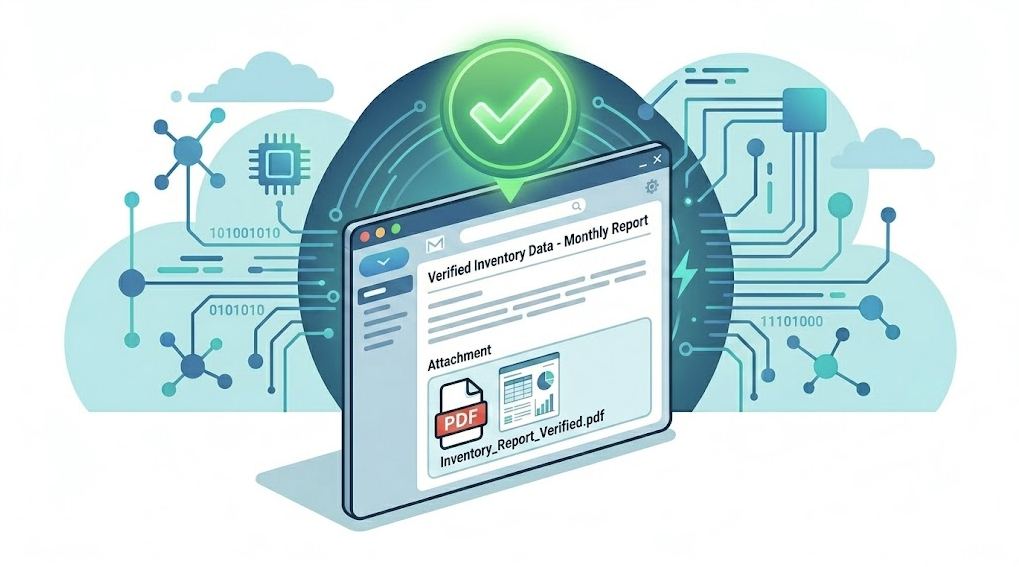
It’s 7:45 AM. The CFO just messaged you: “How’s the inventory audit going? Can you send me a quick summary?”
You open the portal. Select the inventory. Navigate to reports. Click export. Wait for it to generate. Download the PDF. Open your email. Attach the file. Hit send. By the time you’re done, the coffee is cold and it’s already 8:15. Tomorrow, you’ll do the exact same thing again.
Popis 5.9.12 now does this for you.
You can configure automatic report delivery in the portal — every day, every week, or every month, the portal generates the report on its own and emails it to the people who need it. No clicks, no opening the portal, no forgetting.
📅 Configure Once, Receive Regularly
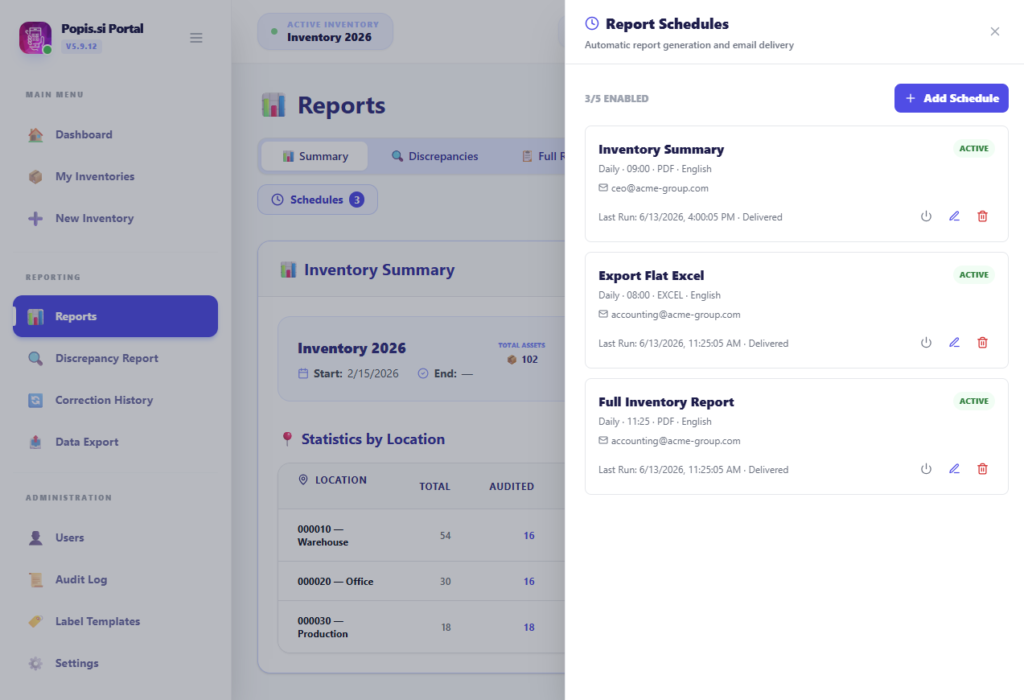
In the Reports section, an administrator selects the inventory, clicks Schedules, and sets everything up in a single step: which report to send, how often, at what time, and to whom. The portal then handles preparation and delivery on its own.
All the reports teams already know from manual exports are available — summary report, discrepancy report, auditor report, terminal report, corrections report, full inventory report, and the flat Excel report for accounting. Reports arrive as PDF or Excel attachments.
Because each schedule supports language selection, you can send the CFO a report in Slovenian while an external auditor receives theirs in English or German — every recipient gets the information in the language they understand.
🔔 A Rhythm That Didn’t Exist Before
Once you set up automatic delivery, something surprisingly valuable happens: visibility into the audit becomes a routine.
Management finds a fresh status overview in their inbox every morning at 8:00 — no reminders needed, no waiting. The inventory team spots locations that are falling behind earlier. External collaborators and auditors don’t need portal access because the information comes to them. And most importantly, reports don’t get forgotten. That weekly report the director always asks for on Friday at three? It’s already in his inbox before he asks.
During an active inventory, this means nobody wonders how things are going — everyone knows.
🚀 Try Automatic Report Delivery
The feature is available in the Popis.si Portal under Reports → Schedules.
An administrator selects the inventory, sets the report type, frequency, time, recipients, and language. From there, the portal handles everything.
Have questions or want help setting things up? Contact us at info@popis.si.

